My Real-World Experience with the Brother TD-4420TN Label Printer
As someone who deals with a lot of inventory, shipping, and asset tracking, I've gone through my fair share of label printers. Most direct thermal printers are fine for quick, temporary labels, but for anything that needs to last more than a few months or endure harsh conditions, they just don't cut it. That's why I decided to invest in the Brother TD-4420TN, a dedicated thermal transfer unit, and after using it consistently for several months, I've got a pretty good handle on its strengths and weaknesses. If you're considering this beast for your own operation, read on.
Unboxing and Initial Impressions: Built Like a Tank
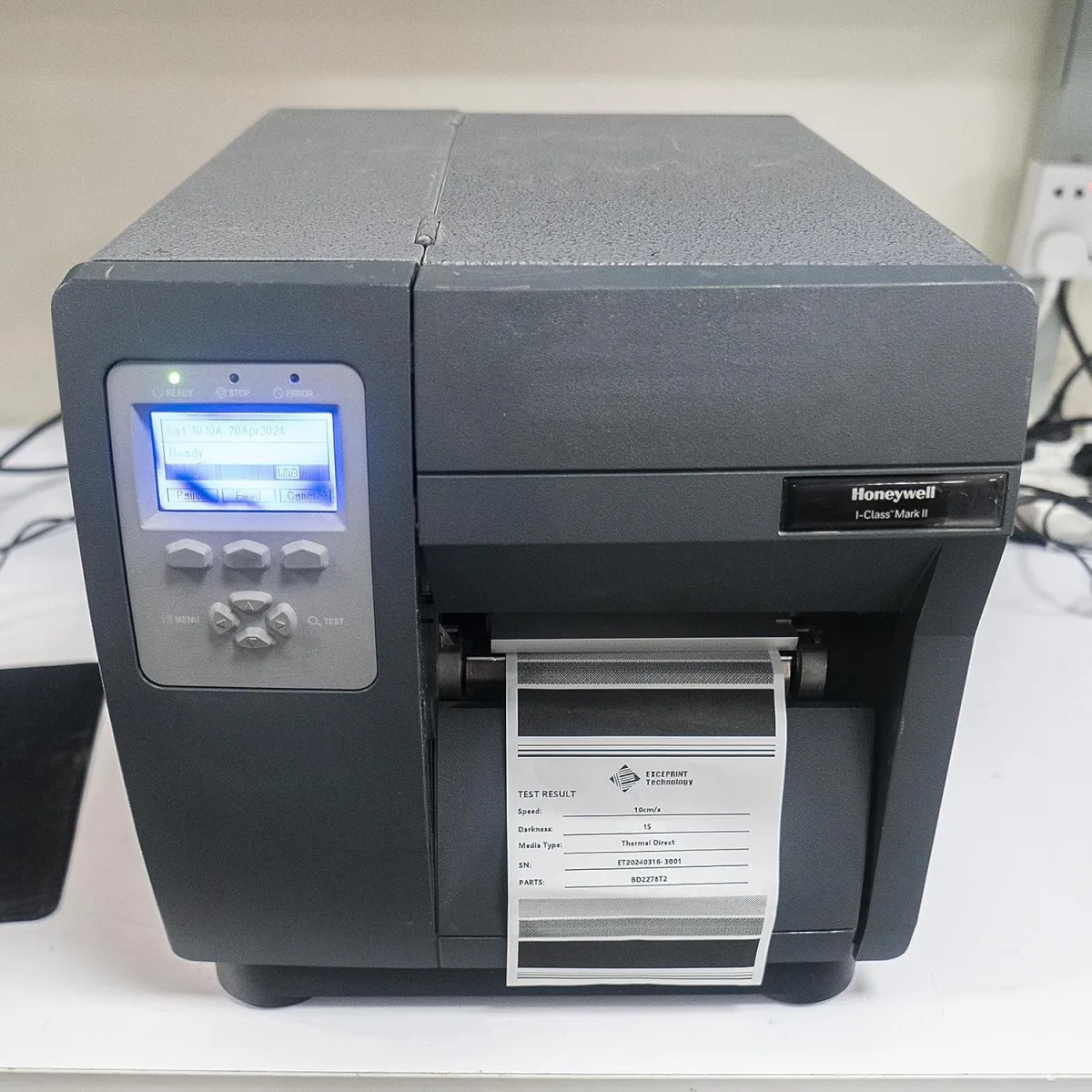
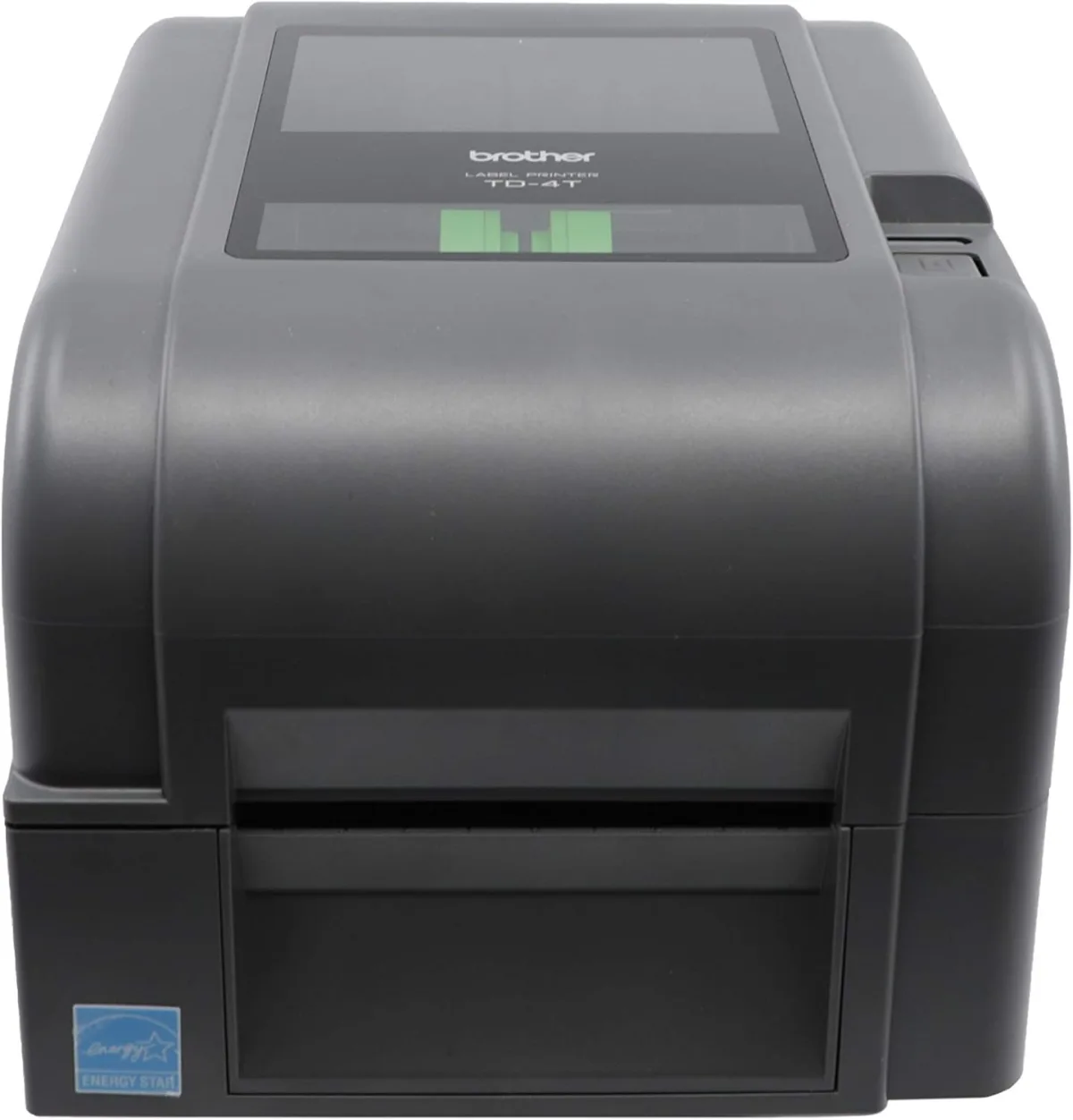
When the TD-4420TN arrived, the first thing I noticed was its heft. This isn't a flimsy plastic toy; it feels substantial, like it could take a beating and keep on printing. The industrial gray casing and solid construction immediately told me this was designed for a busy environment, not just occasional home use. It’s got a relatively compact footprint for a 4-inch industrial printer, which was a pleasant surprise for my somewhat crowded workspace. Everything felt robust, from the lid mechanism to the feed guides. Initial setup involved unwrapping, plugging in, and then diving into the software, which is where things got a little more "business-grade."
Setting Up: Not Quite Plug-and-Play, But Manageable
Let's be honest: thermal transfer printers, especially network-enabled ones, aren't usually as simple as plugging in a basic inkjet. The TD-4420TN is no exception. I connected it via USB first, which was the easiest route to get the drivers installed. Brother provides drivers on their website, and I downloaded the full package. It wasn't a nightmare, but it wasn't instant either. You'll need to know your way around driver installations and printer settings a bit. Once the USB connection was solid, I moved to the Ethernet LAN setup, which is where this printer really shines for a shared environment. Assigning a static IP and getting it visible on the network took a bit of network savvy, but once it was done, it was rock solid. For anyone who needs reliable, network-wide access to their label printing, this connectivity is a huge plus. If you're looking to pick one up here, make sure you're ready for a slightly more involved setup process than your average home printer.
Print Quality and Speed: Durable and Dependable
This is where the TD-4420TN truly earns its keep. The 203 dpi resolution is perfectly adequate for crisp barcodes, readable text, and even small logos. I've printed everything from shipping labels to detailed inventory tags with tiny SKU numbers, and every print has been clear and scannable. The real magic, however, is the thermal transfer method itself. By using a ribbon, the labels come out incredibly durable. I’ve tested them in various conditions:
- Moisture: Labels on packages left in damp areas held up without smudging or fading.
- Abrasion: Labels on frequently handled tools or containers still look good after weeks of rubbing and handling.
- Chemical Exposure: While I didn't douse them in harsh chemicals, accidental spills of mild cleaning solutions didn't affect the print.
- Sunlight: Labels on outdoor-bound items showed no signs of fading after prolonged exposure, unlike direct thermal labels that turn black.
The 6 IPS (inches per second) print speed is pretty brisk. It's not the fastest industrial printer on the market, but for most small to medium business needs, it's more than sufficient. It churns out labels quickly enough that I rarely find myself waiting. It’s a steady, reliable pace that doesn't falter even during long print runs.
Software and Media Management: Flexible but Requires Attention
The printer is compatible with various label design software, including Brother's own Bartender UltraLite (which is a good starting point) and other popular options. I primarily use it with a custom application that sends ZPL commands, and it handles them flawlessly. This flexibility is key for integration into existing systems. Loading labels and ribbons is a relatively straightforward process once you've done it a couple of times. The internal mechanism is well-designed, allowing for easy access. Ribbon changes are quick, and it automatically calibrates for new label sizes, which saves a lot of hassle. Just be sure to use good quality thermal transfer ribbons and labels; cheap ones can cause issues and compromise the durability.
Connectivity: A Network Champion
The standard USB, Serial, and Ethernet LAN options are fantastic. USB is great for a single workstation, and I appreciate the fallback of Serial if needed, but the Ethernet LAN is the star here. Being able to place the printer centrally and have multiple users send print jobs to it without any fuss is incredibly convenient. I've had zero dropped connections or communication issues once it was properly configured. It just sits there, ready to print, all day long. If you want to grab it on Amazon, you'll be well-equipped on the connectivity front.
Pros and Cons
Pros:
- Exceptional Label Durability: Thermal transfer means labels resist fading, smudging, and chemicals for long-term use.
- Robust Build Quality: This printer feels incredibly sturdy and durable, built for demanding environments.
- Versatile Connectivity: USB, Serial, and especially Ethernet LAN for easy network sharing.
- Good Print Quality: 203 dpi is clear and precise for barcodes and text.
- Reliable Performance: Consistent 6 IPS speed without hiccups.
- Easy Media Loading: Ribbon and label changes are surprisingly quick once you get the hang of it.
Cons:
- Initial Setup Can Be Tricky: Not for the technically faint of heart, especially network configuration.
- Ribbon Costs: Thermal transfer requires ribbons, which add to the ongoing cost compared to direct thermal.
- No LCD Display: A small screen for status or basic settings would have been a nice touch. You rely on indicator lights.
- Footprint: While compact for its class, it's still a dedicated industrial printer and takes up a decent amount of desk space.
Who Should Buy This?
The Brother TD-4420TN is perfect for businesses or individuals who need highly durable, long-lasting labels and barcodes. Think:
- E-commerce businesses shipping many packages daily.
- Warehouses and inventory management needing asset tags that won't fade.
- Manufacturing facilities for product labeling, work-in-progress tags, or component tracking.
- Retailers requiring durable shelf labels or price tags that withstand handling.
- Anyone who has been frustrated by direct thermal labels fading or rubbing off.
If your labels need to survive for months or years, or endure harsh conditions, this is your printer.
Who Should Skip It?
This printer isn't for everyone:
- Casual home users printing a few labels here and there. It's overkill and more expensive than you need.
- Businesses that only need temporary labels (e.g., receipts, very short-term shipping labels). A direct thermal printer would be cheaper to operate.
- Individuals unfamiliar with basic network setup or driver installation. You might find the initial setup frustrating.
- Anyone on a very tight budget for consumables. Ribbons add a recurring cost that direct thermal printers don't have.
Final Verdict
Overall, I'm genuinely impressed with the Brother TD-4420TN. It's a no-nonsense, reliable workhorse that delivers exactly what it promises: durable labels. While the initial setup might require a bit of patience, the consistent performance and robust build quality make it a worthwhile investment for any operation that depends on long-lasting, scannable labels. It's a printer you can set up, load, and largely forget about, knowing it will churn out quality labels day in and day out. If you're serious about your labeling needs and want something that won't let you down, I highly recommend giving this one a look. You can check today's price and see if it fits your budget. For me, it was a solid investment.