My Experience with the Lamicall Adjustable iPad Stand
I spend most of my day at a desk, and my neck was starting to pay the price. I found myself constantly hunching over my tablet to read emails or watch tutorials, which is why I decided to pick one up here to see if it would actually solve my ergonomic woes. After using it for four weeks, I have a pretty clear picture of what this stand does well and where it might fall short for certain users.
First Impressions and Build Quality
When I first unboxed the Lamicall stand, the first thing I noticed was the weight. It doesn't feel like cheap plastic; it has a solid, weighted base that gives you confidence that your expensive tablet isn't going to tip over at the slightest touch. The aluminum finish looks sleek and matches the aesthetic of most modern tech setups without looking overly "gadgety."
The hinges are stiff, which is a double-edged sword. On one hand, I love that I can set the angle and it stays exactly where I put it, even when I'm tapping on the screen to type out a quick response. On the other hand, adjusting it requires two hands, and it can be a bit stiff for some folks. If you have any issues with wrist strength, you might find the resistance a little annoying at first, but it definitely keeps the device secure.
What I Liked
- Stability: I used this with both a standard iPad and a slightly heavier tablet, and it never wobbled. The rubberized pads on the cradle and the bottom of the base are a lifesaver—they prevent the tablet from sliding and keep the stand from scratching my desk.
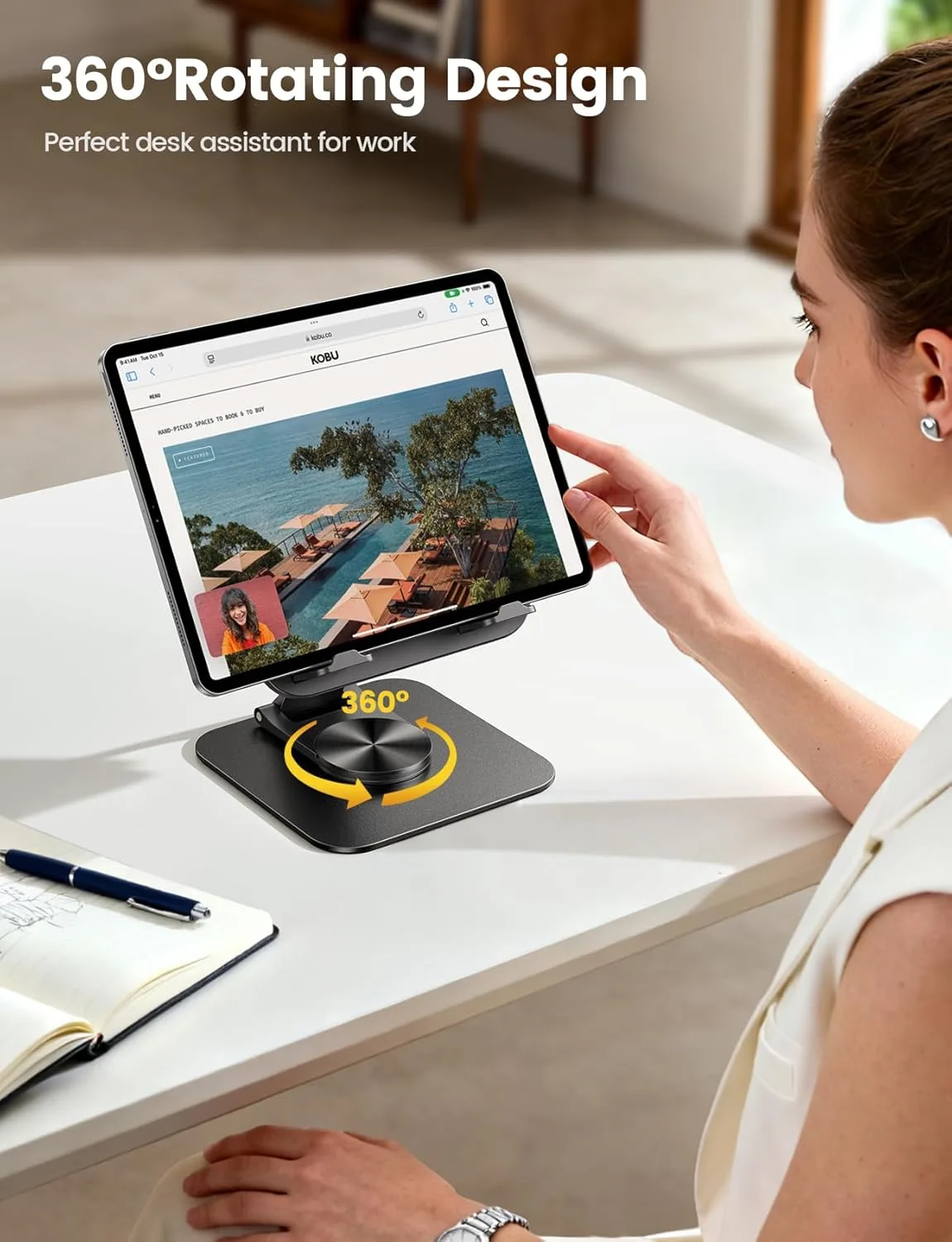
- Viewing Angles: The range of motion is genuinely useful. Whether I wanted the iPad upright for a video call or tilted back for sketching with a stylus, I could find a sweet spot.
- Charging Access: I was worried about the charging cable, but the design accounts for that. You can easily plug in your cable at the bottom without it getting crimped by the stand.
What Annoyed Me
Nothing is perfect. One thing I noticed is that while the stand is adjustable, it isn't height-adjustable in the way some "articulating arm" stands are. It’s more of a tilt-and-pivot system. If you are looking to lift your tablet to eye level while standing, this isn't that product. You should check today's price and make sure it fits your specific desk height before you commit, as it’s designed primarily for sitting at a desk or table.
Who Should Buy This?
If you are a student, a remote worker, or someone who loves watching Netflix on their tablet while eating dinner, this is a no-brainer. It’s a low-cost upgrade that makes a massive difference in comfort. It’s also great for artists who need a stable surface to draw on, provided you don't mind the slight "bounce" that happens when using a stylus on any stand-mounted device.
Who Should Skip It?
If you are looking for something to mount your tablet to a wall or a bedframe, this isn't for you. It’s strictly a desk accessory. Also, if you use a particularly bulky rugged case (like one of those thick, oversized silicone drop-protection cases), the hooks on the stand might be too shallow to hold it securely. You might want to see what others paid and check if the dimensions work with your specific case before purchasing.
Final Verdict
Overall, I’m glad I bought it. It’s one of those simple, utilitarian products that does exactly what it promises without unnecessary complexity. It cleaned up my desk space, saved my neck, and feels like it will last for a long time. It’s not the fanciest piece of tech on my desk, but it’s definitely one of the most used.