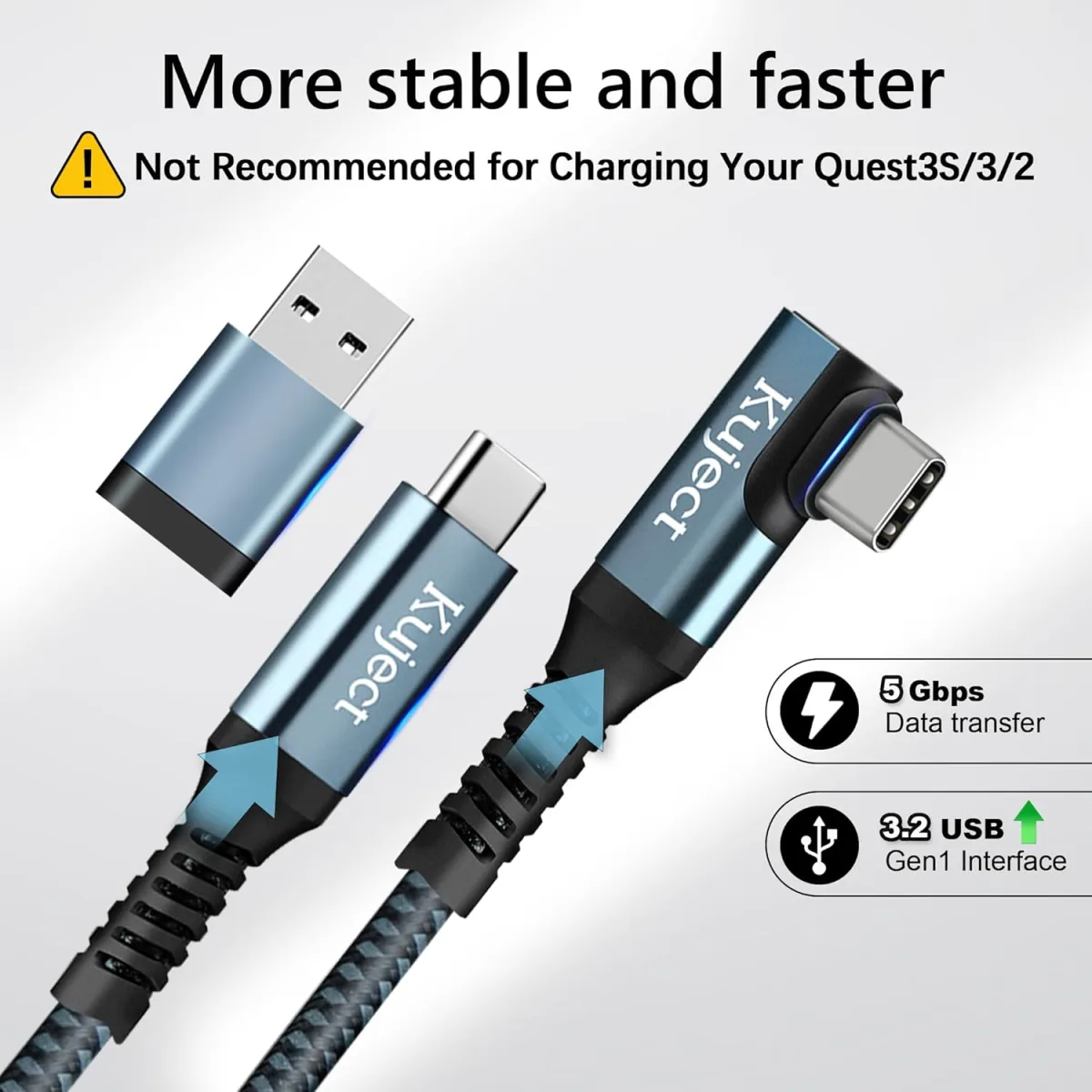
My Experience with the Kuject Link Cable
If you own a Meta Quest headset and use it for PCVR, you know the struggle. You get deep into a game like Half-Life: Alyx or spend an hour in VRChat, only to get that dreaded low-battery notification. I’ve gone through three different "official" style cables, and most of them just slow the discharge rate; they never actually keep the headset at 100%. When I saw the Kuject link cable promised active charging, I was skeptical, but I decided to grab it on Amazon to see if it lived up to the hype.
The Setup Process
Unlike standard USB-C cables, this one has a specific injection point for power. You have to plug your own wall adapter into the little side port on the cable. This was a bit annoying at first because it adds a bit of bulk to the cable run, but honestly, it’s a small price to pay for infinite battery life. I used a high-wattage Anker wall brick that I had lying around, and the connection felt solid. The cable itself is about 16 feet long, which gives me plenty of room to move around my office without feeling like I’m tethered to a wall.
Performance: Does it keep the charge?
After using this for about three weeks, I’m happy to report that it actually works. During a three-hour session of intense flight simulation, my headset stayed at 78%. That’s a huge win compared to my old cable, which would have had the headset dead by the two-hour mark. I noticed that if I start at 100%, it tends to stay there for a long time, then slowly dips and stabilizes. It’s not a magic bullet that makes the battery grow, but it definitely keeps the device from dying mid-game. If you want to check today's price, you’ll find it’s usually cheaper than the official Meta-branded fiber optic cable, which is a massive bonus.
Pros and Cons
- Pros:
- Actually maintains battery charge during play.
- Good length (16ft) for most room setups.
- Sturdy build quality that doesn't feel like it will fray after a week.
- Much more affordable than proprietary options.
- Cons:
- The extra power injection port adds a bit of weight near the PC end.
- Requires a decent wall charger to function properly—don't use a cheap phone charger.
- Not as flexible as the super-thin fiber optic cables.
Who Should Buy This?
If you are a serious sim-racer or flight simmer who stays in VR for hours at a time, this is a no-brainer. It completely eliminates the anxiety of your headset dying during a flight or a long race. It is also great for people who like to use their Quest for desktop work or casual browsing where you don't want to worry about power management.
Who Should Skip It?
If you primarily play active games that require you to spin around 360 degrees, a wired connection of any kind might still be frustrating. You might be better off with a head strap battery pack instead. Also, if you don't have a high-quality wall charger available, you might find the cable doesn't perform as advertised. Before you pick one up here, make sure you have a spare port on your wall adapter.
All in all, this has been a solid addition to my VR rig. It isn't perfect, but for the price point, it’s the most reliable way to stay powered up without spending a fortune.