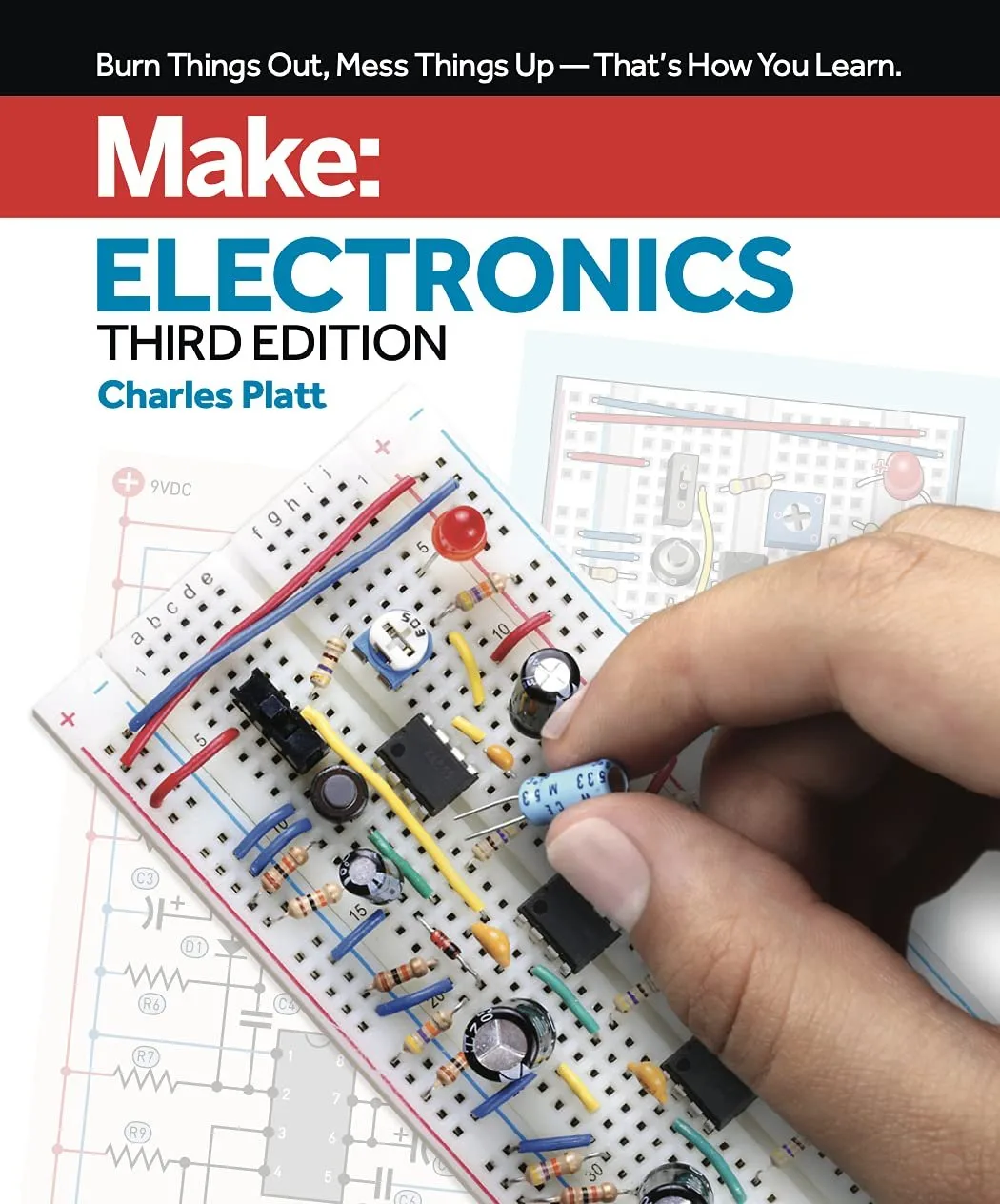
Why I Picked Up Make: Electronics
I've always wanted to learn how to build my own circuits. Every time I picked up a standard textbook, my eyes just glazed over at the massive walls of math and Ohm's law equations. I didn't want to do algebra; I just wanted to build cool stuff. A friend recommended Charles Platt's Make: Electronics (3rd Edition), telling me it was different from the rest. The book's actual motto is "Burn things out, mess things up—that's how you learn." I was completely sold. I cleared off a corner of my desk, bought a copy, and spent the last few weeks working through the experiments.
Learning by Destroying
The absolute best thing about this book is that it flips traditional teaching completely upside down. Instead of making you memorize boring theory for three weeks before touching a single wire, Platt has you intentionally short-circuiting a battery and blowing up an LED in the very first chapter. You feel the heat, you see the spark, and immediately you understand how resistance works. It is a wildly refreshing way to learn.
I noticed right away how incredible the layout is. The pages are packed with bright, full-color photographs and incredibly clear diagrams. When you are a beginner trying to figure out which tiny metal leg of a transistor goes into which hole, having a massive, high-resolution photo instead of a confusing black-and-white schematic is a total lifesaver. If you want to check today's price, you'll see it's surprisingly reasonable for a heavy, full-color manual.
The projects are actually fun, too. Over the past few weeks, I built a working burglar alarm, a reaction timer, and even a basic audio synthesizer. These aren't just pointless blinking lights. They are actual, functional circuits. But honestly, it wasn't all smooth sailing.
The Frustrating Parts
Here is where I have to get real about the downsides. The book itself is fantastic, but you need parts to build these things. Lots of parts. The author provides a detailed shopping list, but sourcing all the specific resistors, capacitors, timers, and logic chips was a massive headache.
You can buy pre-packaged kits designed specifically for this book, but they often cost way more than the book itself. I tried piecing my own kit together online to save money, and I ended up waiting over a week for a specific capacitor to arrive so I could finish one chapter. If you decide to grab it on Amazon, do yourself a huge favor and look for the bundled component kits at the same time. It will save you hours of searching.
Also, around experiment 15, the breadboarding gets incredibly dense. I found myself staring at a rat's nest of jumper wires, completely frustrated because my circuit wouldn't make a sound. It turned out I had a single wire off by one tiny hole. The book tries to guide you, but debugging is mostly on your shoulders. You need patience.
Pros and Cons
After working through most of the guide, here is how I break it down:
- Pros:
- Incredible hands-on approach that keeps you engaged.
- Beautiful full-color photos and easy-to-read diagrams.
- Explains complex components in plain, simple English.
- Projects are genuinely fun to build and use.
- Cons:
- Sourcing the necessary electronic components is annoying and can get expensive.
- Debugging later projects can be highly frustrating for a beginner.
- Takes up a lot of desk space once you start laying out all the parts.
Who Should Buy This
If you are a visual or tactile learner who gets bored by heavy math, this is exactly what you need. It is perfect for hobbyists, makers, teenagers interested in STEM, or adults who just want a cool new weekend project. If you learn best by doing, you will love this approach.
Who Should Skip It
If you are looking for a rigorous academic textbook to help you pass an electrical engineering exam, look elsewhere. This book skips heavy math in favor of practical application. Also, if you don't have the budget to spend another $50 to $100 on the required components and tools (like a multimeter and soldering iron), you won't be able to get past the first few chapters.
Final Verdict
Despite the headaches of buying parts and troubleshooting messy wires, Make: Electronics is the best introduction to the hobby I've ever found. It made me feel like a kid playing with Legos again, except this time my creations actually lit up and made noise. If you are ready to dive in, see what others paid and pick up a copy. Just be prepared to accidentally burn out a few LEDs along the way.