Blackview DCM8 Portable Monitor: A Game-Changer for My Workflow (Mostly)
As someone who splits my time between a home office, coffee shops, and occasional travel, the idea of a portable second screen has always appealed to me. My laptop screen just isn't enough for serious multitasking. I finally decided to bite the bullet and picked up the Blackview DCM8 Extender Portable Monitor, hoping it would streamline my mobile setup. After several weeks of using it for everything from writing articles to casual gaming, I've got some definite opinions.
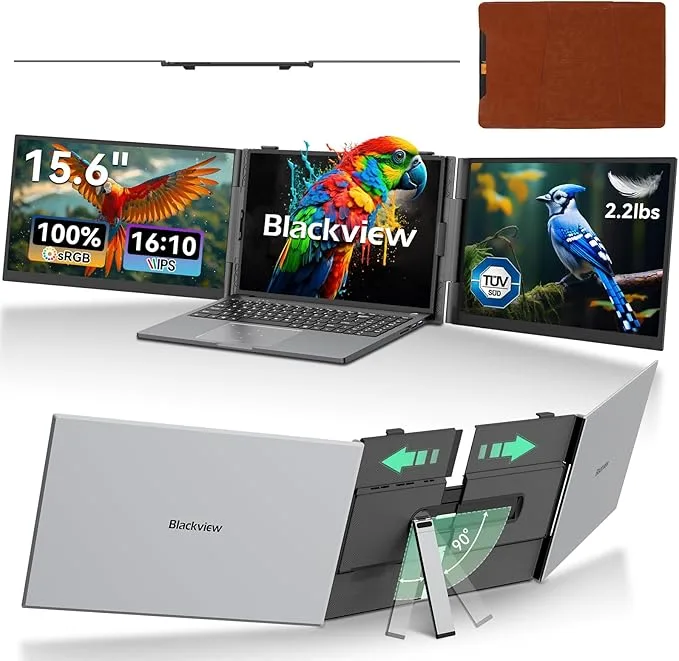
Right out of the box, the DCM8 made a decent first impression. The packaging was simple but effective, and the monitor itself felt surprisingly slim and light. It came with all the cables I'd need: a USB-C to USB-C, a USB-A to USB-C for power, and an HDMI to Mini HDMI. That was a relief; nothing worse than getting a new gadget and realizing you need to hunt down extra cables. The included magnetic cover/stand combo is also a nice touch, offering good protection when packed away and a fairly sturdy way to prop it up. If you're looking for one yourself, you can grab it on Amazon.
Setup and Connectivity: Mostly Plug and Play
Setting up the Blackview DCM8 was mostly a breeze. For my MacBook Air, it was truly plug and play using a single USB-C cable for both power and display. The laptop immediately recognized it as an external display, and I was up and running in seconds. No drivers, no fuss. That's exactly what I wanted for a portable device.
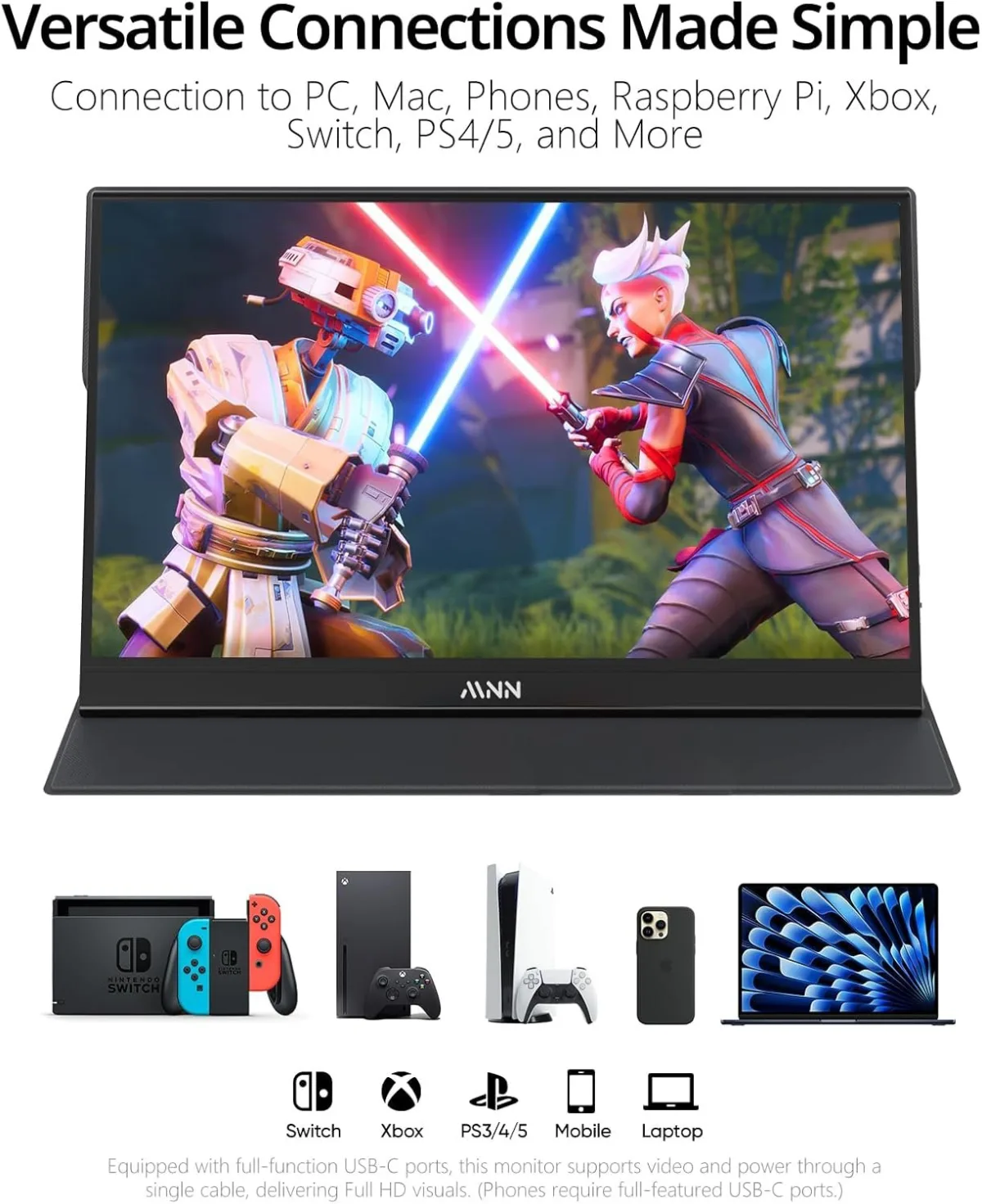
Connecting it to my Windows desktop was equally straightforward via HDMI and a separate USB-C power source. I even tried it with my Nintendo Switch (using the USB-C cable for power from a wall adapter and the HDMI cable from the dock) and my Samsung phone (Dex mode worked perfectly via USB-C). This versatility is a huge selling point. It really is compatible with a wide range of devices, which surprised me in a good way. I noticed the monitor draws power directly from the connected device when using a single USB-C, which is super convenient but also means your laptop battery might drain a bit faster. For longer sessions, an external power bank or wall adapter is a must.
Display Quality: Good Enough for Most Tasks
Let's talk about the screen itself. It's a 15.6-inch 1080p IPS panel, and for the price point, I found the picture quality to be quite good. Text is sharp, and colors are vibrant enough for general productivity and watching videos. I wouldn't recommend it for professional graphic design where color accuracy is paramount, but for coding, writing, spreadsheets, and even some light photo editing, it's perfectly adequate. The viewing angles are also decent, which is important when you're not always sitting perfectly centered, especially if you're showing something to a colleague. Brightness is respectable indoors, but I did find it struggled a bit in direct sunlight when I tried working on my patio. It's not a dealbreaker, but something to be aware of if you plan on using it outdoors frequently.
The refresh rate felt smooth enough for general use and casual gaming. I played a few rounds of indie games and some older titles on my Switch and PS5, and I didn't experience any noticeable lag or ghosting that detracted from the experience. It's not a high refresh rate gaming monitor, but it handles 60Hz content perfectly well.
Portability and Build: Light but Not Indestructible
At just over a pound, this monitor is genuinely portable. It slides easily into my laptop bag without adding significant bulk or weight. The magnetic cover does a good job protecting the screen, but the monitor itself, while solid, doesn't feel like it could take a serious tumble. The bezel is thin, which contributes to its sleek look, but also makes me a little cautious when handling it. The built-in speakers are, well, they're there. They're tinny and lack any real depth, as is typical for most portable monitors. I always default to headphones or external speakers, so it wasn't a major annoyance for me, but don't expect a cinematic audio experience.
Pros and Cons
Pros:
- Excellent Portability: Super lightweight and slim, perfect for travel.
- Versatile Connectivity: USB-C (single cable for power and display), HDMI, compatible with laptops, phones (Dex/desktop mode), and gaming consoles.
- Good Picture Quality: 1080p IPS panel delivers sharp images and decent colors for most uses.
- Easy Setup: Mostly plug and play, no drivers needed for common operating systems.
- Included Accessories: Comes with all necessary cables and a protective cover/stand.
- Affordable Price: Offers great value for its features. You can check today's price.
Cons:
- Brightness Limitations: Can struggle in bright outdoor environments.
- Weak Speakers: Audio quality is poor, headphones are highly recommended.
- Build Durability: While sleek, it doesn't feel robust enough for rough handling.
- Battery Drain: Using a single USB-C cable for power will drain your laptop battery faster.
- Stand Flimsiness: The magnetic cover stand works, but it can feel a bit wobbly on uneven surfaces.
Who Should Buy This?
This monitor is ideal for remote workers, students, and digital nomads who constantly find themselves needing more screen real estate while on the move. If you frequently work from coffee shops, co-working spaces, or different locations and want to maintain a dual-monitor setup, the Blackview DCM8 is a fantastic solution. Gamers who want to take their Nintendo Switch or even a portable PS5 setup on trips will also appreciate its versatility. It's also great for giving presentations or sharing content easily without crowding around a single laptop screen. If you're serious about boosting your mobile productivity without breaking the bank, you should definitely pick one up here.
Who Should Skip It?
If you're a professional photographer or video editor who relies on perfect color calibration and accuracy, this isn't the monitor for you. Likewise, hardcore competitive gamers who need ultra-high refresh rates and specialized features will want to look elsewhere. If you need a monitor that can withstand heavy abuse or extreme environments, the DCM8's build might not be rugged enough for your needs. Finally, if you only ever use a desktop setup and never travel, a traditional, larger monitor would be a better investment.
Final Thoughts
Overall, I'm genuinely impressed with the Blackview DCM8. It's delivered on its promise of being a highly portable and functional second screen. It's not perfect, but its minor drawbacks are easily outweighed by its convenience, versatility, and affordable price point. It has genuinely improved my productivity when I'm not at my main desk, and it's made travel much more enjoyable, knowing I can still have a decent workstation. For most people needing a reliable portable monitor, this one punches above its weight.