My Honest Experience with the Snap Circuits 3D Illumination Kit
I bought the Snap Circuits Electronics Exploration Kit for my eight-year-old son's birthday. I was desperately looking for something that wasn't just another video game or tablet app. I remember playing with those old-school electronics kits as a kid—the ones with the little metal springs that you had to bend wires around. They were frustrating and usually ended with me poking my finger. This modern kit looked like a massive upgrade, so I decided to give it a shot.
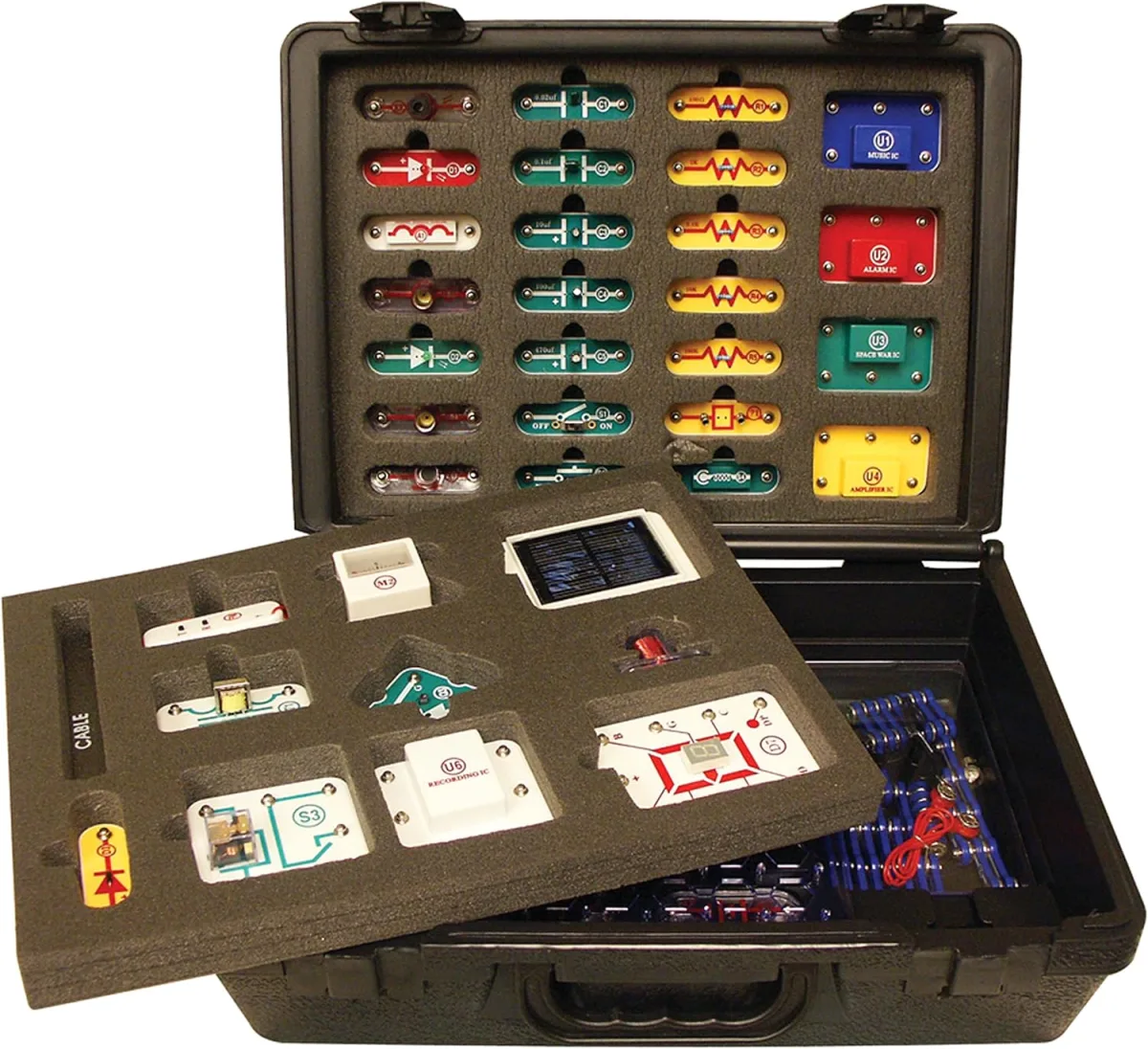
When we first opened the box, I was immediately struck by how well-organized everything was. Every single component sits in its own custom-molded plastic slot. This is fantastic for making sure you aren't missing pieces, though I will admit it only stayed that organized for about two days before my kid just started dumping everything into a plastic bin. If you want to skip my rambling and just look at the product listing, you can check today's price.
The Setup and Build Process
Building our first circuit together took maybe three minutes. The absolute genius of this system is right in the name: everything literally snaps together. The connectors feel exactly like the heavy-duty metal snaps you'd find on a winter coat. There is zero soldering required. No twisting tiny copper wires. No risk of getting shocked.
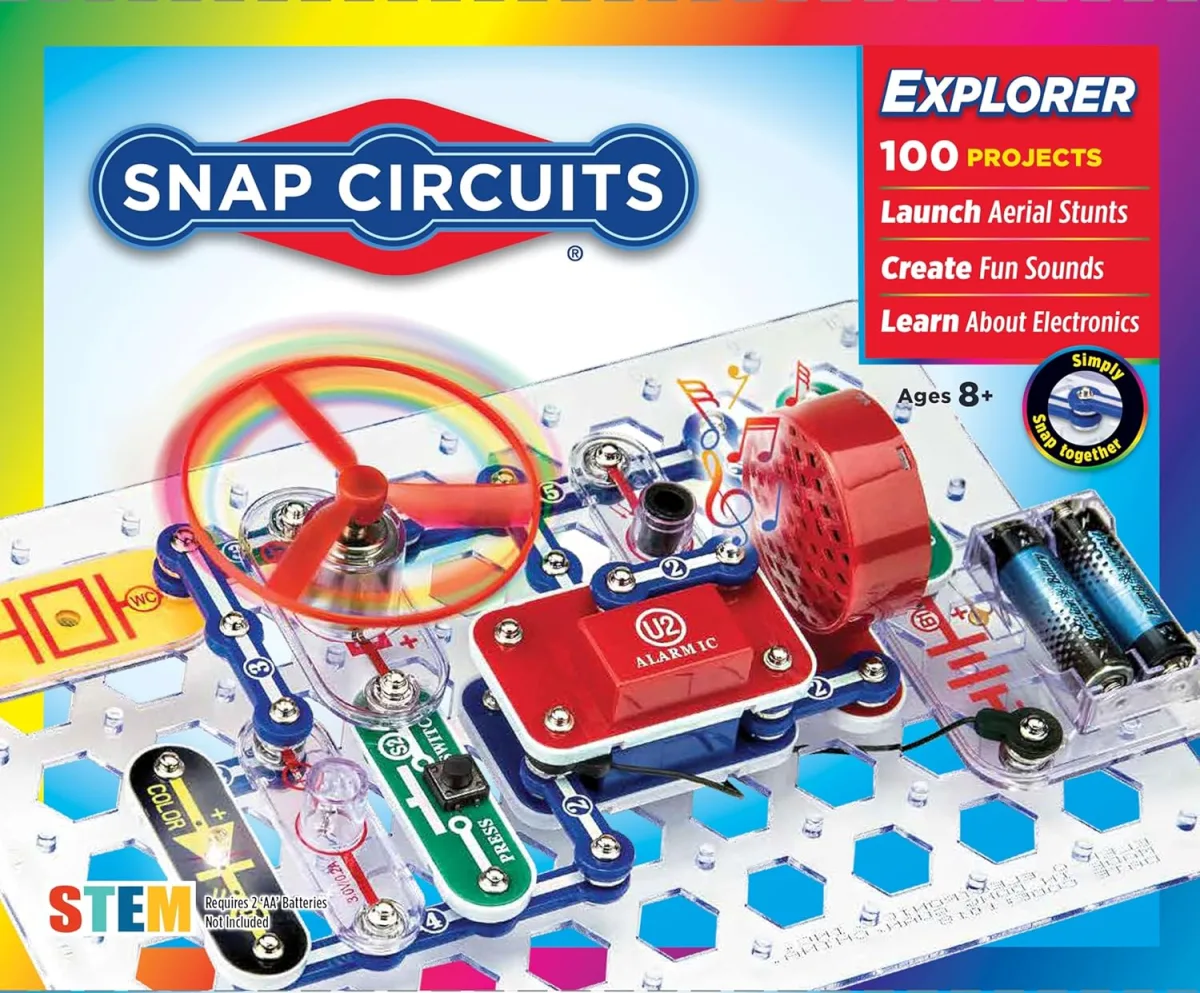
You start with a plastic grid board. You snap the battery pack down, snap down a switch, attach a lightbulb module, and connect them all using blue plastic strips that have wires hidden inside them. Hit the switch, and boom—you have light. My son's eyes lit up just as bright as the bulb. The instant gratification this toy provides is incredible.
Taking Things into the Third Dimension
This specific kit is unique because it allows you to build upward, not just flat on the table. You use these little plastic corner stabilizers to stack multiple grid boards on top of each other. You can build little glowing skyscrapers of circuitry.
This is also where I encountered my first minor annoyance. The vertical stabilizers can be surprisingly finicky. If you push down too hard while snapping a new piece onto the top tier, the whole structure can pop loose and collapse. It frustrated my son quite a bit during our first few sessions. Eventually, we learned a trick: you have to support the bottom of the top board with your fingers while snapping pieces onto it. Once we figured that out, it was smooth sailing. But there is definitely a learning curve to the 3D aspect, and I kind of wish the structural supports locked in a bit tighter.
The Projects and Features
The instruction manual is an absolute beast, and I mean that in the best way possible. It includes over 150 different projects. We started with basic light circuits and moved up to motorized fans. There is one project where you build a circuit that spins a fan blade so fast it actually launches off the motor and flies into the air like a helicopter. We probably did that one fifty times in a row.
The light tunnel project is genuinely cool. It uses a clever arrangement of mirrors and LEDs to create an optical illusion of a bottomless glowing pit. I was honestly surprised by how bright and vivid the lights are.
However, I have to warn you about the sound module. The kit includes a speaker that plays a few different sounds, including a police siren. It is insanely loud and piercing. After the fifth time my kid triggered the police chase circuit while I was trying to answer work emails, I strongly considered permanently hiding the speaker module in the garage. If you are sensitive to repetitive loud noises, consider yourself warned. Before making your final decision, you should see what others paid to ensure you get a fair deal.
Pros and Cons
After a few weeks of near-daily use, here is how I break down the good and the bad.
- The Good: The snap-together mechanic is flawless and frustration-free. The project manual is incredibly easy to follow with great color-coded diagrams. It actually teaches real concepts of electricity, like series and parallel circuits, without feeling like schoolwork. The components are highly durable; my kid has dropped pieces on our hardwood floor repeatedly and nothing has cracked.
- The Bad: The 3D stacking supports are a bit wobbly and require a gentle touch. The motorized projects drain batteries very quickly, so I highly recommend investing in a good set of rechargeable AA batteries. And, as I mentioned, the siren sound effect is obnoxiously loud with no volume control.
Who Should Buy This
I highly recommend this kit for parents of kids aged 8 to 12 who love building things. It is fantastic for hands-on, visual learners. If your child loves playing with Legos or building blocks but is ready for a toy that actually does something when they finish building, this is the perfect transition into STEM toys.
Who Should Skip It
Kids younger than 7 will likely struggle with both the diagrams and the finger strength needed to pull the snaps apart. Also, if your child gets easily frustrated by things falling apart when accidentally bumped, the wobbly 3D stacking feature might cause some tears. In that case, I would stick to the classic, flat 2D Snap Circuits kits instead.
Final Thoughts
Overall, I am genuinely happy I bought this. It kept my son engaged for hours upon hours, and we actually bonded over troubleshooting some of the more complex multi-level circuits together. It is incredibly rare to find a toy that is this educational but still feels like pure playtime. If you think it sounds like a good fit for your family's playroom, you can grab it on Amazon. It is easily one of the best birthday gifts we have picked up this year.