My Honest Take on the Huion H610PRO V2 Graphic Drawing Tablet
As someone who dips their toes into digital art and occasionally needs a reliable tablet for online whiteboarding and quick sketches, I’ve tried a few different brands over the years. My last tablet was starting to show its age, so I began looking for a replacement that offered good value without demanding a professional-level price. That's how I stumbled upon the Huion H610PRO V2, and after a few weeks of consistent use, I've got some definite opinions to share.
First Impressions and Setup
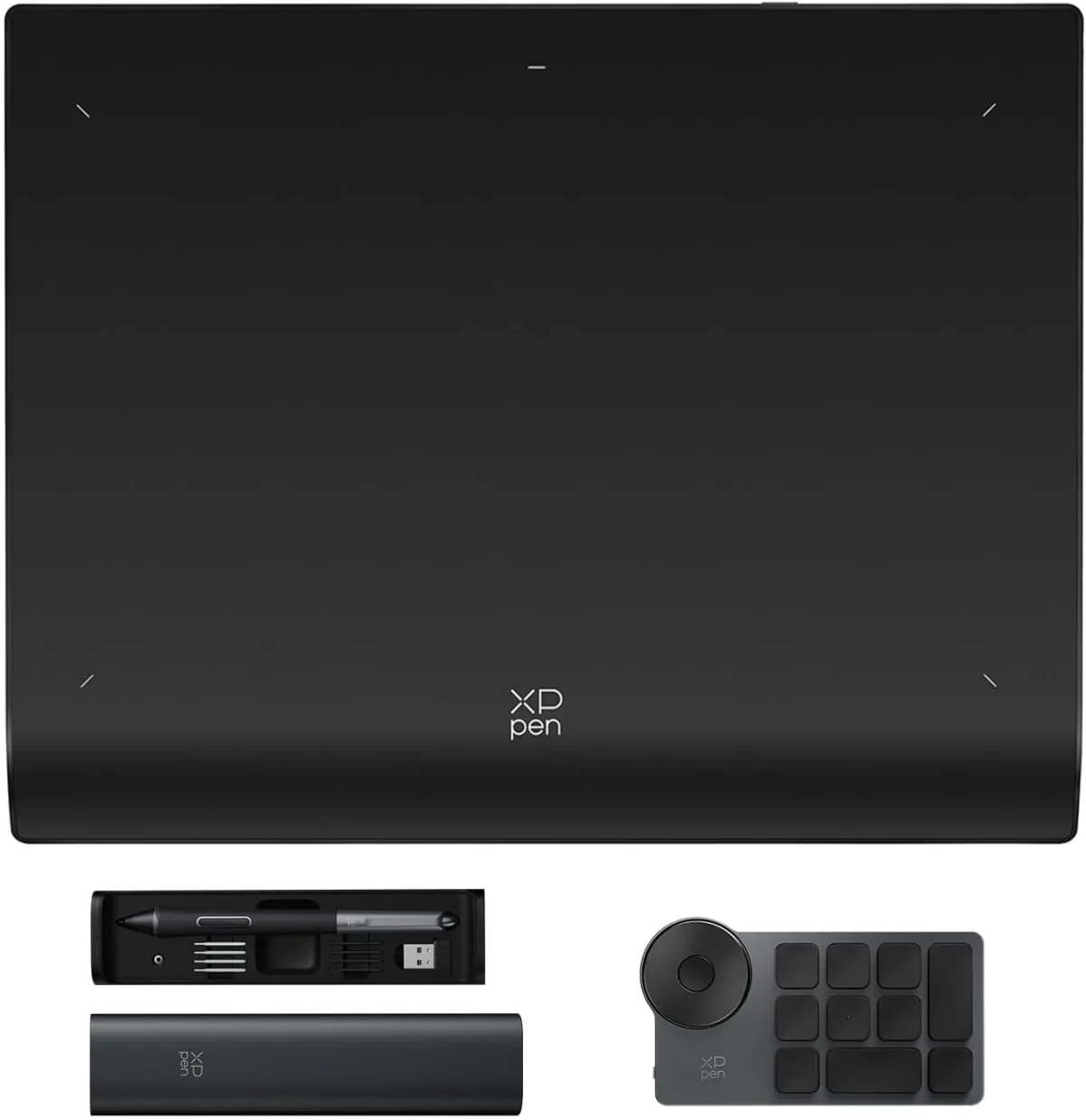
When the Huion H610PRO V2 arrived, the packaging was pretty standard – nothing fancy, but everything was well-protected. Inside, you get the tablet itself, the battery-free pen, a pen holder with replacement nibs, a USB-C cable (a nice touch!), and a quick start guide. The tablet itself feels surprisingly well-built for its price point. It’s thin, lightweight, and has a decent texture on the drawing surface that provides a satisfying bit of resistance, mimicking paper more than a slick plastic surface. If you're curious about the current pricing, you can check today's price.
Installation was straightforward. I downloaded the latest drivers from Huion's website, plugged it in, and within minutes, it was recognized. I use Windows, and I didn't experience any major driver conflicts or issues, which has been a pain point with some other brands in the past. It also supports macOS and even Android devices, which is a pretty cool bonus for on-the-go sketching if you have an adapter.
Performance and Drawing Experience
This is where the tablet really shines, especially considering its price. The 10x6.25 inch active area feels ample for most drawing tasks without being cumbersome on my desk. The 8192 levels of pressure sensitivity are no joke – I noticed a significant difference in line weight and opacity just by varying my pen pressure slightly. This really helps bring a more natural, organic feel to digital brushstrokes. The tilt function, which allows you to vary brush angle by tilting the pen, also worked surprisingly well in Photoshop and Clip Studio Paint, adding another layer of expressiveness.
The battery-free pen (PW100) is a godsend. No more worrying about charging or running out of juice in the middle of a project. It's lightweight and comfortable to hold for extended periods, though the two side buttons felt a little mushy compared to my previous tablet. They're still perfectly functional for undo/redo or brush switching, but it's a minor tactile quibble.
The tablet boasts 8 customizable express keys along the side, plus 16 soft keys along the top. I found the physical express keys much more useful, programming them for common shortcuts like zoom, pan, and brush size. The soft keys are okay, but I rarely looked down to use them, preferring keyboard shortcuts. Still, it's nice to have the option for those who prefer an entirely tablet-based workflow. The responsiveness was excellent; there was virtually no lag between my pen strokes and what appeared on screen. It felt very natural and immediate.
What I Loved (Pros)
- Excellent Pressure Sensitivity & Tilt Function: The 8192 levels and tilt support genuinely make a difference for nuanced artwork.
- Battery-Free Pen: This is a huge convenience. No charging, ever!
- Large Active Area: The 10x6.25 inch surface provides plenty of room to work.
- Smooth & Responsive: Minimal to no lag, making for a fluid drawing experience.
- Good Build Quality: Feels solid and durable for its price.
- USB-C Connectivity: Modern and convenient, easily reversible.
- Android Compatibility: A fantastic bonus for portability or quick sketches on a phone/tablet.
- Value for Money: You get a lot of features typically found in more expensive tablets. If you're thinking of upgrading or starting out, I'd suggest you grab it on Amazon and see what a difference it makes.
What Annoyed Me (Cons)
- Mushy Pen Buttons: As mentioned, the side buttons on the pen lack a satisfying click.
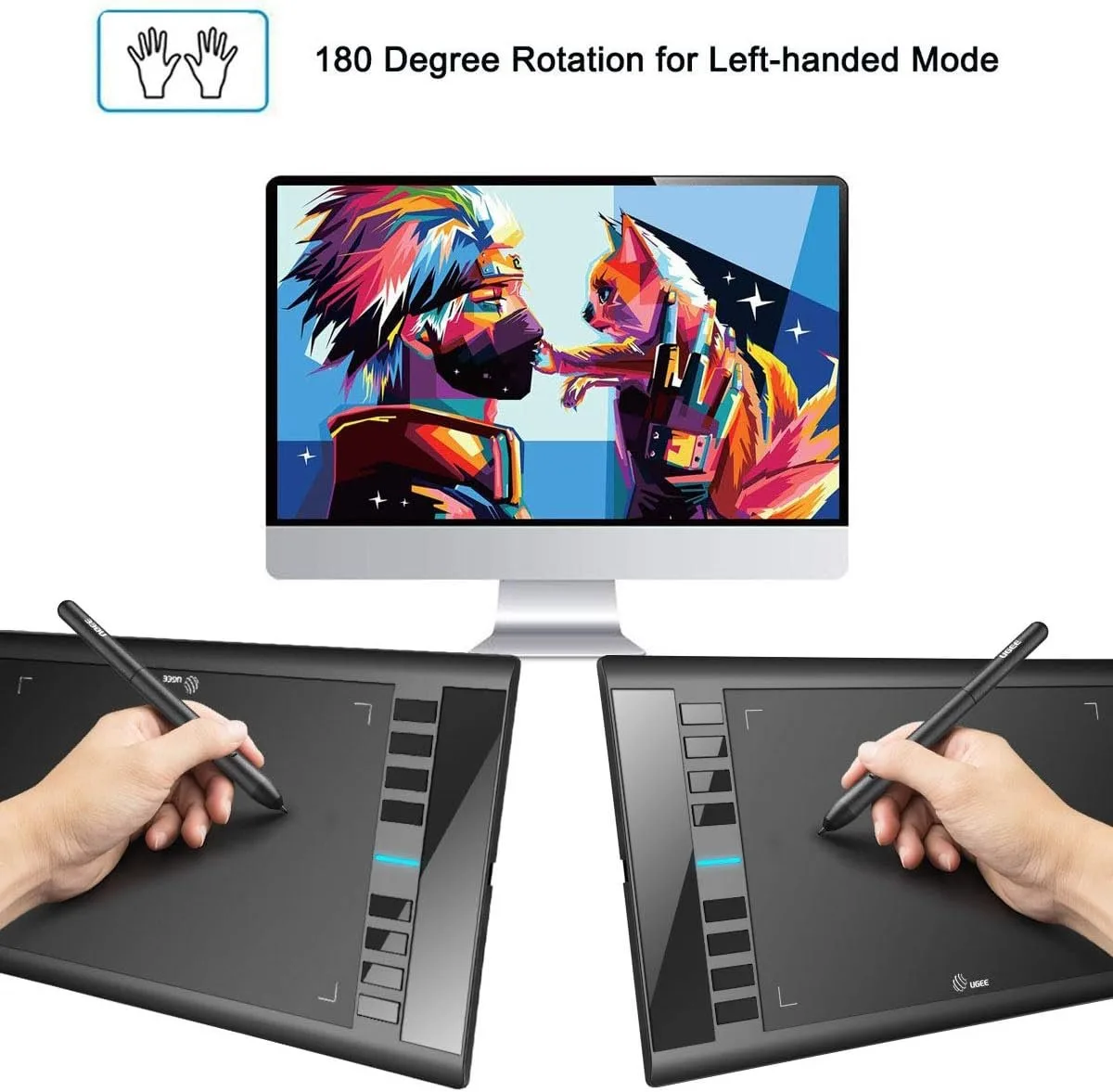
- Placement of Express Keys: While customizable, they’re all on one side. Left-handed users might find this awkward unless they rotate the tablet, which then makes the soft keys unusable.
- Soft Keys are Less Useful: I personally didn't find myself using the 16 soft keys much; they felt a bit redundant with the physical ones and keyboard shortcuts.
- Initial Nibs Wear: The default nibs seemed to wear down a little faster than I expected, although plenty of replacements are included.
Who Should Buy This?
This tablet is an excellent choice for a wide range of users:
- Beginner Digital Artists: If you're just starting out and don't want to break the bank on a Wacom, this is a fantastic entry point.
- Students & Hobbyists: Perfect for art classes, personal projects, or exploring digital mediums.
- Online Educators/Tutors: The large surface area and precise pen make it great for annotating, whiteboarding, and explaining concepts.
- Casual Professionals: For those who need a reliable secondary tablet or don't require a screen tablet, it handles everyday tasks with ease.
Who Should Skip It?
- Professional Artists Needing a Screen: If you're used to drawing directly on a screen (like a Cintiq or iPad Pro), this non-screen tablet will feel like a downgrade in workflow.
- Users Who Only Need Ultra-Portability: While lightweight, the 10x6.25 inch area might be too big if you need something truly tiny to throw in a small bag for travel.
- Those with Very Specific Workflow Needs: If you rely heavily on a very specific set of physical buttons or a particular pen feel that only higher-end models offer, you might find minor compromises here.
Final Thoughts
Overall, the Huion H610PRO V2 exceeded my expectations for a tablet in its price range. It offers a professional-level drawing experience with its pressure sensitivity and tilt function, all wrapped up in a user-friendly package. The battery-free pen is a huge plus, and the large active area gives you plenty of room to create. While there are a few minor annoyances, they're easily overshadowed by the tablet's strengths and excellent value.
If you're in the market for a reliable, capable, and affordable graphic drawing tablet for digital art, design, or even just note-taking, I can confidently recommend the Huion H610PRO V2. It's a solid performer that won't disappoint. You can pick one up here and experience it for yourself.