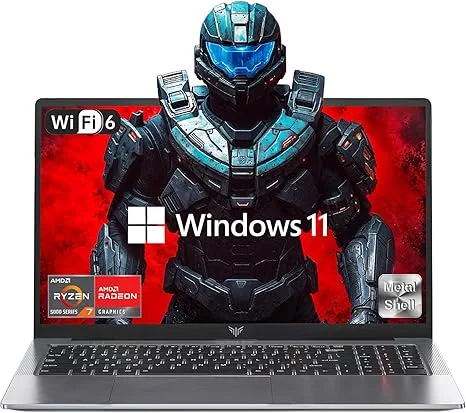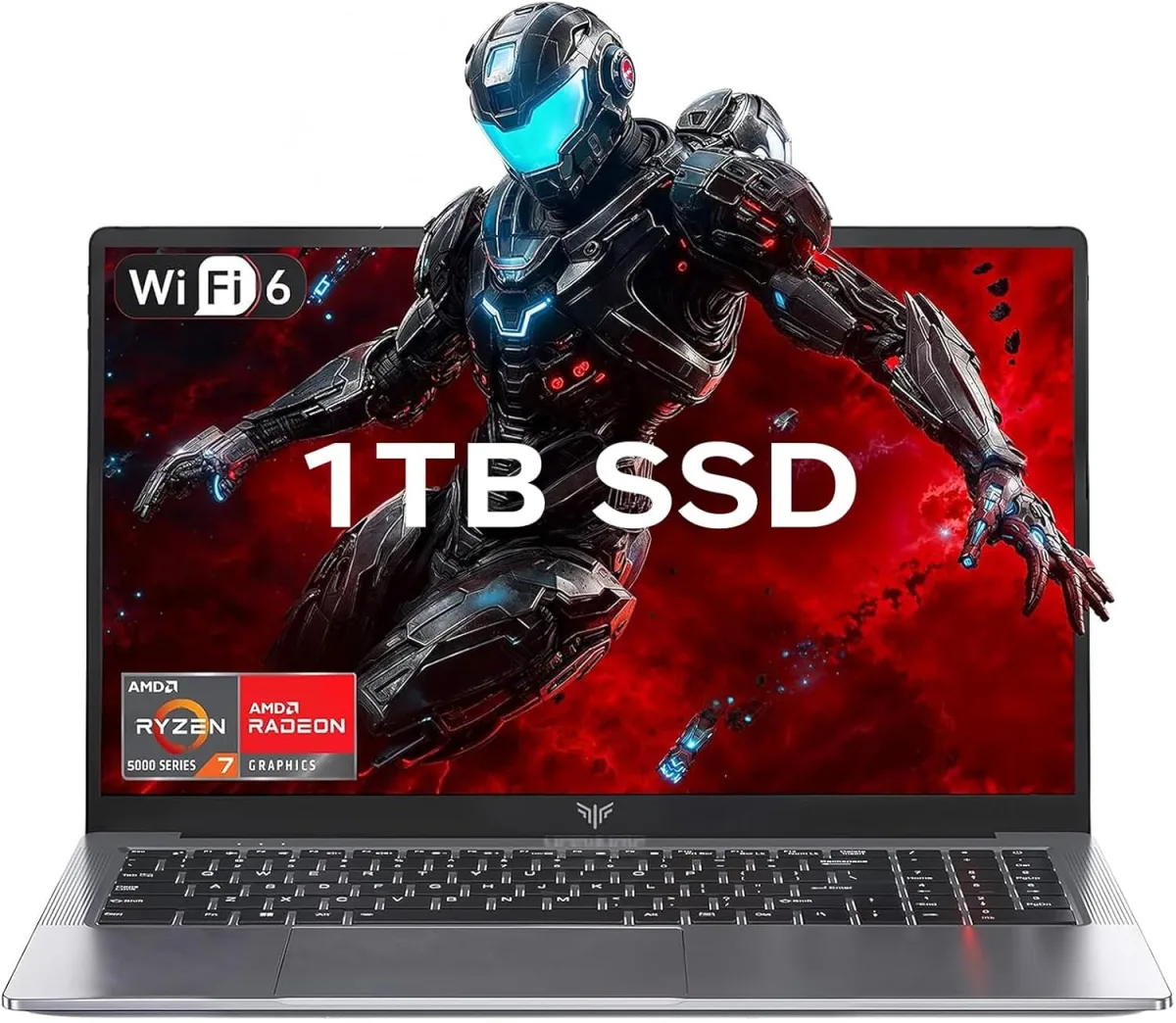
My Honest Take on the KAIGERR 15.6-inch Laptop (B0GKP72XSQ)
I’m always on the hunt for a good value, especially when it comes to technology. When I stumbled upon the KAIGERR 15.6-inch laptop, advertised with dedicated graphics and a decent spec sheet for what seemed like a very appealing price, I was intrigued. My old laptop was starting to show its age, and I needed something reliable for both my freelance writing work and occasional creative projects, like photo editing and light video work. So, I decided to take the plunge and grab it on Amazon to see if it could live up to the hype.
First Impressions and Build Quality
Out of the box, the KAIGERR felt… well, like a budget laptop. It's mostly plastic, which isn't a surprise, but it feels reasonably sturdy. There's a bit of flex in the lid if you press on it, but nothing that made me worry about everyday handling. The design is fairly understated, which I actually appreciate – no flashy RGB or aggressive angles, just a clean, professional look. It’s not the lightest 15.6-inch laptop I’ve ever held, but it’s manageable for carrying around the house or to a coffee shop.
Performance: More Than I Expected (Mostly)
Under the hood, my model came with an Intel Core i5-1135G7 processor, 16GB of RAM, a 512GB NVMe SSD, and an NVIDIA GeForce MX350 dedicated graphics card. This combination immediately told me it wasn't a powerhouse, but it was certainly a step up from integrated graphics. For my writing and general productivity (think Google Docs, multiple Chrome tabs, Spotify, Slack), it absolutely flies. Boot-up times are quick thanks to the SSD, and applications launch without a hitch.
Where it really surprised me was with creative tasks. I regularly use Adobe Photoshop and Lightroom, and the MX350, while entry-level, makes a noticeable difference. Photo editing, even with larger RAW files, felt responsive. Video editing in DaVinci Resolve for short 1080p clips was also surprisingly doable, though rendering times definitely tested my patience. It's not a workstation, but for quick edits and smaller projects, it handled itself well.
Gaming was a mixed bag, as expected. Older titles like CS:GO or League of Legends ran beautifully at high settings. Even some slightly more demanding games from a few years ago, like Witcher 3, were playable on low-to-medium settings at 1080p, typically hovering around 30-40 FPS. Newer, graphically intensive games, however, were a struggle. Don't expect to play Cyberpunk 2077 at anything close to enjoyable settings. But for casual gaming or esports titles, it's perfectly adequate.
Display and Audio: Where the Budget Shows
The 15.6-inch 1080p IPS display is decent. Colors are okay, and viewing angles are fine for a single user. My main gripe is the brightness – it’s just not very bright. In a well-lit room or near a window, I found myself wishing for more lumens. It’s perfectly usable indoors, but outdoor use is a no-go. The bezels are also fairly chunky, giving it a slightly dated look.
Audio-wise, the speakers are… there. They get the job done for system sounds or casual YouTube videos, but don't expect any rich bass or clear highs. I pretty much exclusively used headphones for music or movies, and I’d recommend you do the same if audio quality matters to you.
Keyboard, Trackpad, and Ports
I spend a lot of time typing, so a good keyboard is crucial. The KAIGERR's keyboard is surprisingly comfortable. The keys have decent travel and a satisfying, if slightly mushy, feel. I was able to type at my usual speed without much adjustment. It's also backlit, which is a huge plus for late-night work sessions. The trackpad is also pretty good. It’s smooth, responsive, and supports Windows precision drivers, so gestures work flawlessly. It’s not a MacBook trackpad, but it’s far from the terrible ones you sometimes find on budget laptops.
Port selection is adequate: a couple of USB-A ports, a USB-C (data only, no display out or charging), HDMI, an Ethernet jack, and a headphone/mic combo. No SD card slot, which was a minor annoyance for my photography workflow, but easy enough to fix with a dongle.
Battery Life and Heat
Battery life was average. I consistently got about 4-5 hours of mixed use (web browsing, writing, Spotify) before needing to plug in. If you're doing anything more intensive, like video editing or gaming, that drops significantly to 1.5-2 hours. It's not a laptop you'd take on a cross-country flight without the charger, but it's fine for moving between rooms or a few hours at a cafe.
Under heavy load, like during gaming or video rendering, the laptop definitely gets warm, especially around the exhaust vents. The fan also spins up and becomes noticeable, but it’s not overly loud or annoying. For everyday tasks, it stays cool and quiet.
The Verdict: Is it Worth It?
After several weeks of putting this laptop through its paces, I can confidently say the KAIGERR 15.6-inch offers a compelling package for its price. It’s not going to win any awards for design or cutting-edge performance, but it delivers where it counts for a budget-conscious user. If you want to check today's price, you might be surprised at the value.
Pros:
- Solid Performance for the Price: The i5-1135G7 and 16GB RAM handle daily tasks and most office work with ease.
- Dedicated Graphics (MX350): A big plus for light creative work and casual gaming, setting it apart from many similarly priced laptops.
- Fast SSD Storage: 512GB NVMe SSD ensures quick boot times and snappy application loading.
- Comfortable Keyboard: Good key travel and backlighting make for a pleasant typing experience.
- Responsive Trackpad: Windows precision drivers make gestures smooth and accurate.
- Decent Port Selection: Covers most essential connectivity needs.
Cons:
- Dim Display: Not bright enough for outdoor use or very well-lit indoor environments.
- Mediocre Speakers: Audio quality is functional but lacks depth.
- Average Battery Life: Expect 4-5 hours for light use, less for demanding tasks.
- Plastic Build: While sturdy, there's some flex in the lid.
- USB-C Limitations: No display out or charging via USB-C.
- Chunky Bezels: Gives it a slightly dated aesthetic.
Who Should Buy This:
This KAIGERR laptop is ideal for students, home office users, or anyone on a tight budget who needs a capable laptop for productivity, web browsing, media consumption, and light creative tasks. If you're looking for a secondary laptop or something for casual gaming and basic photo/video editing without breaking the bank, you'll find a lot to like here. It's a great value proposition for getting dedicated graphics at this price point.
Who Should Skip It:
If you’re a serious gamer, a professional video editor, or someone who needs a truly portable machine with all-day battery life, this isn't for you. Also, if you value a premium build, a super bright display, or top-tier audio, you’ll need to spend significantly more. Don't expect a MacBook Air or a high-end gaming rig, but for what it is, it performs admirably. If you're still curious, you can always pick one up here.