My Honest Lenovo Idea Tab Review
Finding a reliable tablet for college usually means emptying your bank account. By the time you buy the tablet, a stylus, and a decent case to protect it from the chaos of your backpack, you are easily spending laptop money. I was looking for a secondary device specifically for reading massive PDF textbooks and taking handwritten notes in lectures without lugging my heavy 15-inch laptop everywhere. I decided to give the Lenovo Idea Tab a shot primarily because of the aggressive bundle pricing. If you want to check today's price, you can see why the value proposition caught my eye.
I have been using this 11-inch tablet daily for about three weeks now. I have dragged it across campus, thrown it onto tiny lecture hall desks, and relied on it for my heaviest reading days. Here is exactly what I think about it, including both the good and the slightly annoying.
Display and Build Quality
The standout feature here is easily the screen. It rocks an 11-inch 2.5K IPS touchscreen display, which honestly looks fantastic for the price point. Text is incredibly crisp. I read a lot of double-column academic papers, and I noticed right away that I don't have to zoom in uncomfortably just to make out the smaller fonts. The colors are vibrant and punchy, making it a surprisingly great device for watching YouTube or Netflix in bed after finishing my assignments.
What really makes it feel premium, though, is the 90Hz refresh rate. Swiping through menus, scrolling through long web pages, and flipping textbook pages feels buttery smooth. It isn't the 120Hz you get on high-end Pro tablets that cost three times as much, but coming from a standard 60Hz screen, the difference is massive.
Performance: Can It Handle College Life?
Under the hood, this Lenovo tablet runs on a MediaTek Dimensity 6300 processor paired with 8 GB of memory. For a typical student workload, it is plenty fast. I frequently have Chrome open with a dozen tabs, a PDF reader, and Spotify playing in the background. Even with all that going on, I haven't noticed any frustrating lag or app crashes.
The 256 GB of storage is also a huge win. Most base-model tablets in this price bracket still start at 64GB or maybe 128GB, which fills up shockingly fast once you download a few offline textbooks, lecture recordings, and apps. With 256GB, I don't even have to think about storage management.
Now, I do have a quick warning for gamers. The integrated Arm Mali-G57 MC2 graphics chip is fine for casual games like Stardew Valley or basic puzzle games. However, if you are hoping to play demanding titles like Genshin Impact on high settings, this isn't the device for you. It will run them, but the frame rates get choppy when there is a lot of action on screen. If gaming is your priority, you might want a dedicated gaming device, but if you just need a reliable productivity machine, you can grab it on Amazon and be perfectly happy.
The Pen and Folio Case Experience
Let's talk about the accessories, because getting the Tab Pen and Folio Case included in the box is the main reason I bought this specific bundle. Most companies nickel-and-dime you for these extras. The Folio Case is decent. It feels a bit thin, but it protects the screen from scratches in my bag and folds into a functional kickstand for watching videos or typing on a Bluetooth keyboard.
The Tab Pen is surprisingly capable. I use Microsoft OneNote for all my classes. The palm rejection works flawlessly about 95% of the time, and the pressure sensitivity is nice for sketching out quick diagrams in science classes. Is there a tiny bit of latency? Yes. If I scribble extremely fast, I can see the digital ink trailing just a fraction of a second behind the physical tip. But for standard note-taking, my brain stopped noticing it after the first day.
Battery Life
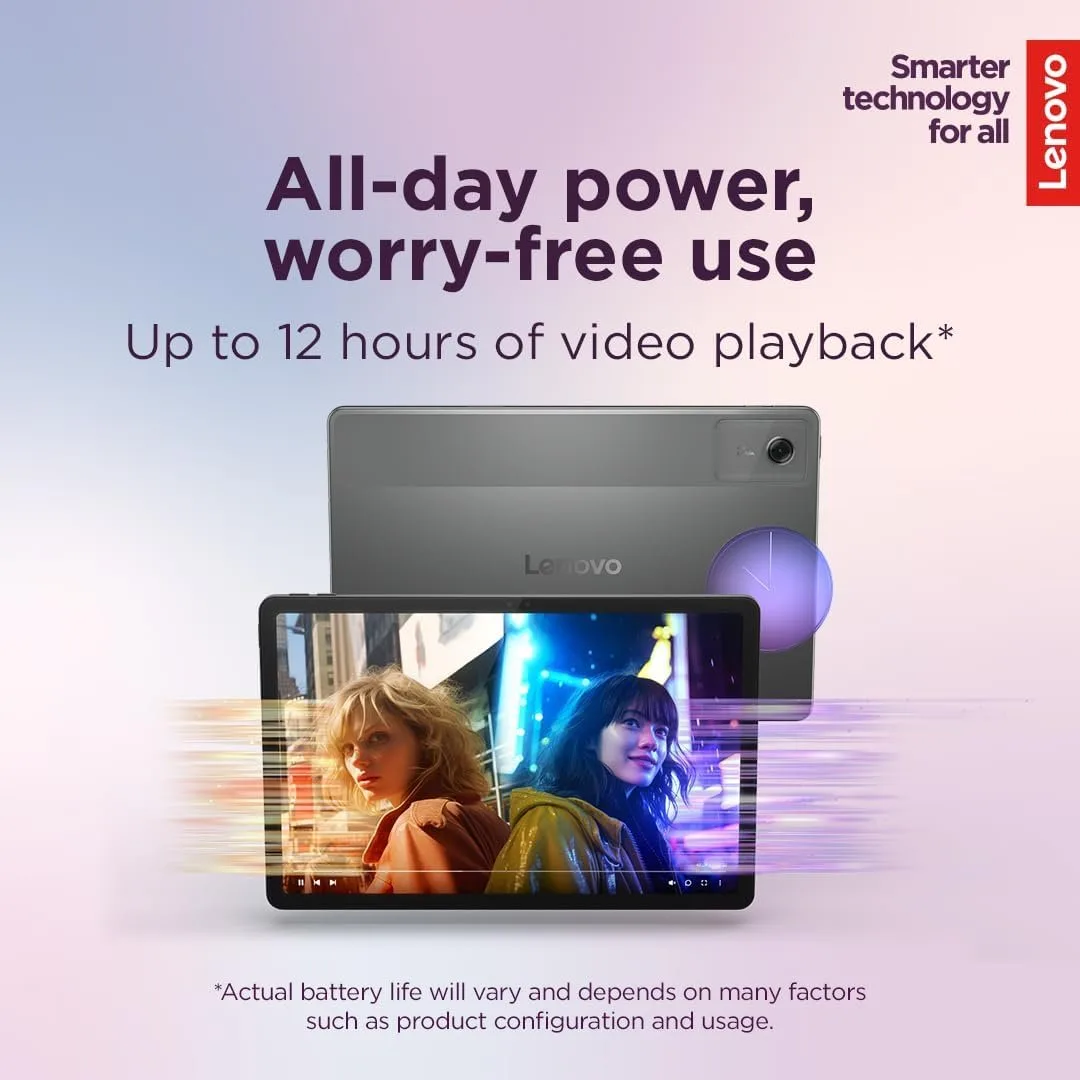
Battery life has been stellar. I take it off the charger at 8 AM, use it intermittently for notes and reading through four classes, and by the time I get back to my dorm at 4 PM, I usually still have around 40% battery left. It easily survives a full day of campus life without making me hunt for a wall outlet.
Pros and Cons
- Pros: Everything you need (pen and case) is included right in the box. The 2.5K screen is incredibly sharp and the 90Hz refresh rate is very smooth. 256GB of storage gives you tons of room for heavy files. Excellent all-day battery life.
- Cons: The included folio case feels a little flimsy and might not survive a major drop. The processor isn't built for heavy 3D gaming. There is a slight pen latency for ultra-fast writers.
Who Should Buy This
This is the perfect tablet for high school or college students who want a digital notebook and media consumption device without overspending. If your main goals are highlighting PDFs, writing notes by hand, watching video lectures, and browsing the web, this Lenovo bundle is an absolute steal.
Who Should Skip It
You should skip this if you are a heavy mobile gamer or a digital artist who needs professional-grade stylus accuracy with zero latency. Also, if you need a true laptop replacement for heavy video editing or running complex desktop-class software, you will want a full Windows laptop or an expensive Pro tablet instead.
Final Verdict
After a few weeks of daily use, I am genuinely impressed. Lenovo nailed the essentials for a student tablet. It provides a beautiful screen, snappy everyday performance, and all the accessories you need right out of the box. It completely saved me from lugging my heavy laptop to every single class. If this sounds like exactly what you need to survive the upcoming semester, you can pick one up here.