My Experience with the Nelko P21 Bluetooth Label Maker
I've always been a bit of an organization fanatic, and a good label maker is practically a necessity in my world. My old, clunky one finally gave up the ghost, so I started looking for something more modern, more portable, and ideally, wireless. That's how I stumbled upon the Nelko P21, and after a few weeks of putting it through its paces, I'm ready to spill the beans on what I really think.
First Impressions and Unboxing
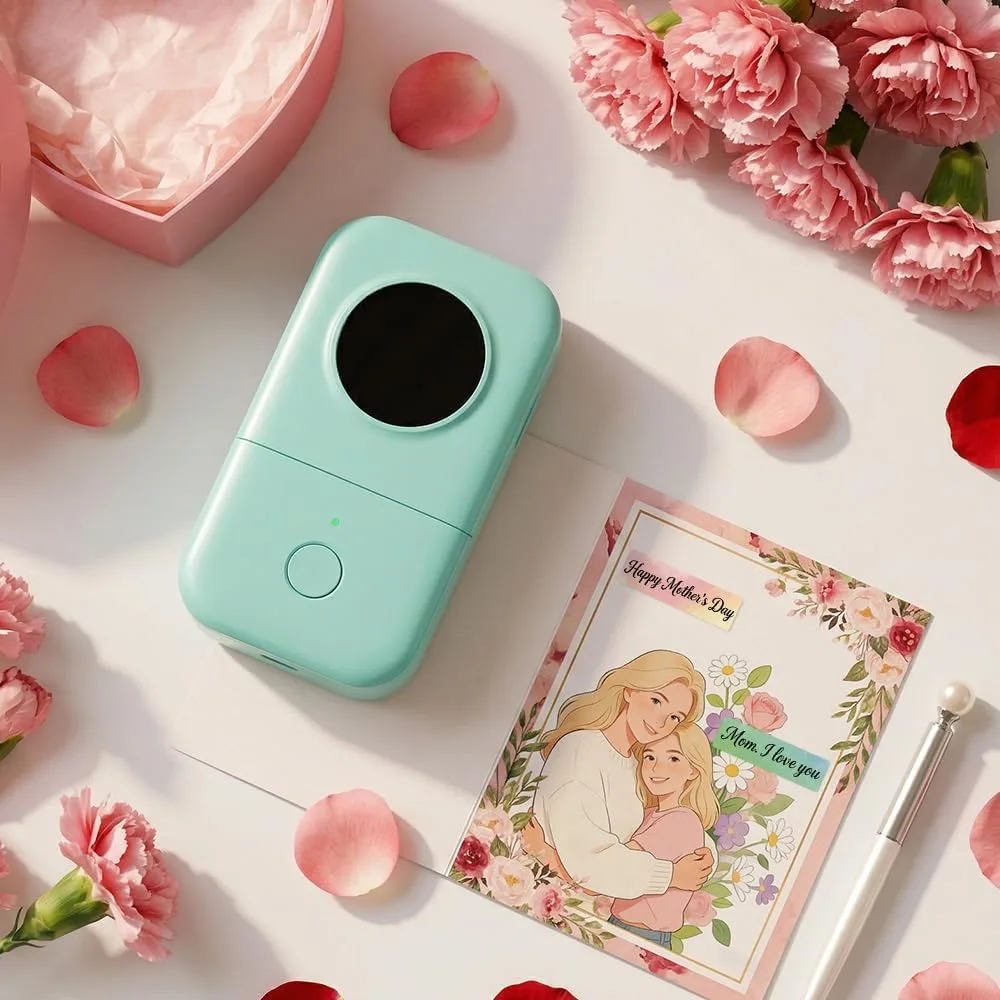
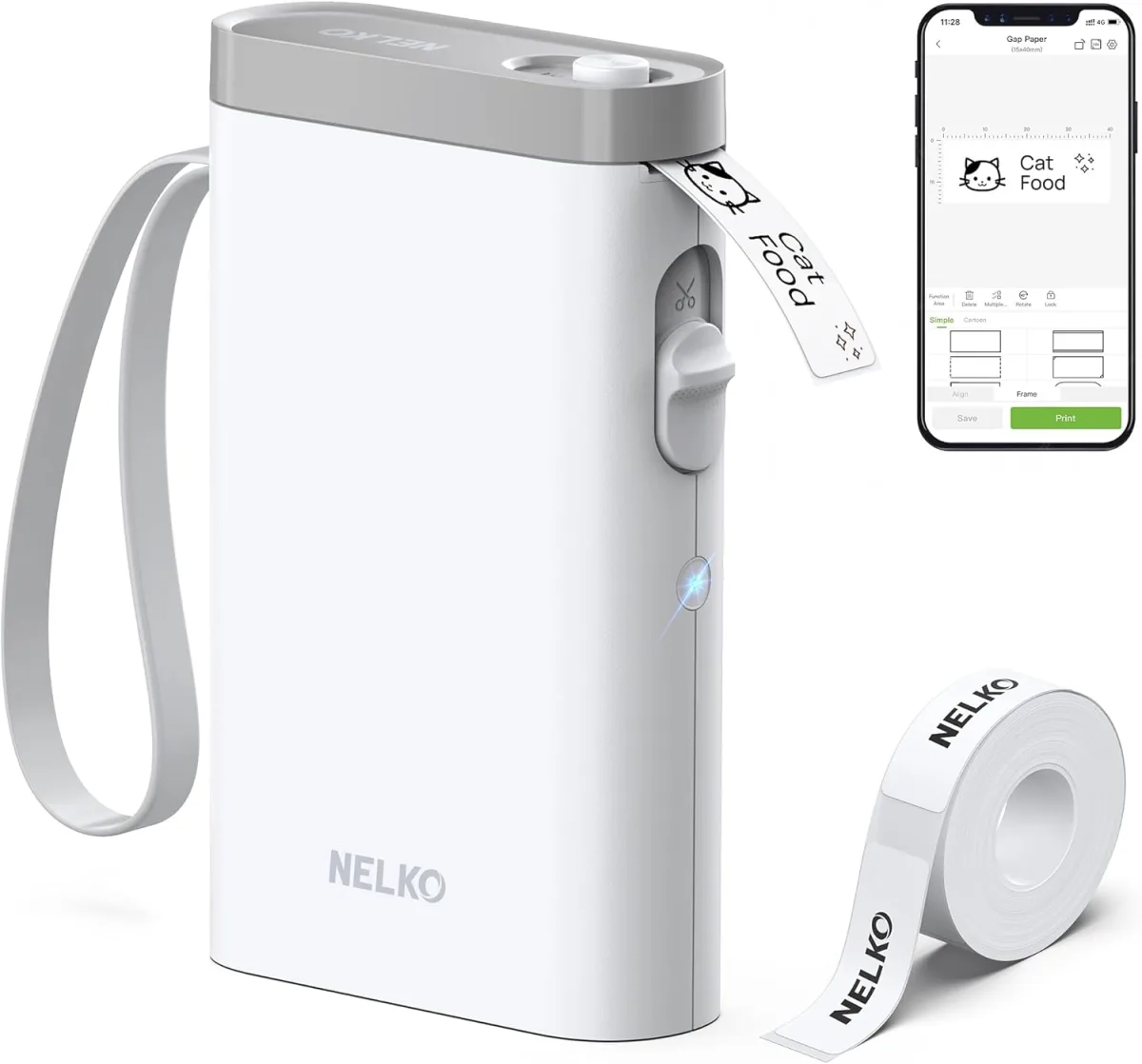
When the little white box arrived, I was immediately struck by how compact the Nelko P21 itself is. Seriously, it's tiny – fits right in the palm of my hand. The design is sleek and minimalist, which I really appreciate; it doesn't look like a dated office gadget. Inside the box, besides the label maker, you get a USB-C charging cable, a user manual, and one roll of white label tape already loaded, which was a nice touch. No fumbling around trying to figure out how to put the first roll in.
The build quality feels pretty solid for such a lightweight device. It's plastic, of course, but it doesn't feel cheap or flimsy. I liked the satisfying click when closing the lid after swapping tapes. Overall, a positive start straight out of the box.
Setting Up and Connecting (Surprisingly Easy!)
This is where many gadgets often lose me, but the Nelko P21 was a breath of fresh air. The instructions directed me to download the "Nelko" app, which was easy to find on my phone's app store. Once installed, connecting the label maker via Bluetooth was a cinch. I just turned the printer on, opened the app, and it practically found it instantly. No weird pairing codes or frustrating connection drops. It just worked. This ease of setup was a huge win for me, as I'm not the most patient person when it comes to tech that fights back.
The app itself is quite intuitive. I've used other label maker apps that felt clunky and unintuitive, but the Nelko app laid everything out pretty clearly. You can choose from various label sizes (depending on the tape you have loaded), select fonts, add icons, frames, and even import images. There are tons of pre-designed templates too, which are super handy for common tasks like labeling spice jars, folders, or kids' school items. If you're curious about the current pricing, you can check today's price.
Printing Performance and Quality
Once I designed my first label, hitting the print button was almost instantaneous. The labels zip out quickly, which is great when you're doing a batch. The print quality, for a thermal printer of this size and price point, is genuinely impressive. The text is crisp, clear, and perfectly legible. I tried various font sizes and even some small icons, and everything came out looking professional. It uses thermal printing, so no ink cartridges to worry about, which is a big plus in my book. The labels are monochrome, but that’s perfectly fine for most organizational needs.
I've used it to label:
- Spice jars (my kitchen looks so much tidier now!)
- Storage bins in the garage
- File folders in my home office
- Kids' lunchboxes and water bottles
- Cables and chargers (no more guessing what goes where!)
The adhesive on the tape seems quite good too. I've had labels stick firmly to plastic, glass, and paper without peeling or curling, even after a few weeks of use and some light cleaning. Just remember to use the right tape size for your needs; they offer various widths.
Battery Life and Tape Consumption
The internal rechargeable battery is a huge convenience. I charged it up when I first got it, and it lasted through several labeling sprees before needing another charge. I haven't timed it precisely, but it seems to hold a charge well, making it truly wireless and portable around the house. When it does need charging, the USB-C port is universally convenient.
Now for a minor niggle: tape consumption. Like many thermal label makers, the Nelko P21 tends to feed out a small blank lead before printing each label. If you're printing many individual, short labels, this can add up to a bit of wasted tape. It's not a deal-breaker, but it's something I noticed. To minimize this, I often try to print multiple short labels on one longer strip and then cut them manually. Considering all it offers for home and office organization, it's definitely worth checking out. You can grab it on Amazon.
Pros and Cons
Pros:
- Ultra-Portable: Seriously small and lightweight, easy to carry anywhere.
- Effortless Setup: Bluetooth connection is quick and reliable.
- Intuitive App: User-friendly interface with plenty of customization options and templates.
- Crisp Print Quality: Text and graphics are clear and sharp.
- Ink-Free: Thermal printing means no expensive ink cartridges.
- Good Battery Life: Lasts a long time on a single charge.
- Versatile: Great for home, office, school, and crafting projects.
Cons:
- Tape Waste: A small blank leader before each label can add up.
- Monochrome Only: No color printing, which is typical for thermal label makers but worth noting.
- Proprietary Tape: You'll need Nelko's specific tape rolls, which isn't unusual but something to factor into long-term costs.
Who Should Buy This?
If you're someone who loves to keep things organized, whether it's your kitchen pantry, home office, craft supplies, or your kids' school gear, the Nelko P21 is a fantastic tool. It's perfect for small business owners who need to label products or shipping boxes on the go. Students could also find it incredibly useful for organizing binders and notes. Its portability makes it ideal for anyone who wants to take their labeling projects around the house or even to different locations.
Who Should Skip It?
If you need a label maker for heavy-duty industrial use, or if you absolutely require color labels, this isn't the device for you. Also, if you're on a super tight budget and the idea of buying specific tape rolls for the long run worries you, then you might want to consider other options (though most label makers have this "issue"). If you only need to print a label once a year, a cheaper, more basic model might suffice, but you'd miss out on the convenience and features of the P21.
Final Thoughts
I'm genuinely impressed with the Nelko P21. It's changed the way I approach organization, making it less of a chore and more of a quick, satisfying task. The convenience of designing labels on my phone and printing them wirelessly cannot be overstated. Despite the minor tape waste, the benefits far outweigh the drawbacks for me. It's become one of those small gadgets I didn't know I needed until I had it, and now I can't imagine going back to my old ways. For anyone looking to bring some order to their chaos, I'd say give this a shot. Pick one up here.